How to remove yourself from truepeoplesearch.net
What they publish
Name, age, address history, phone numbers, relatives/associates, and other public-record-derived profile data
Removing yourself, step by step
0 of 5 done- Follow the link to the Google Form for opt-out submissions.
- Submit one request per report if you have multiple listed records — separate submissions are required for each.
- Allow up to 48 hours for removal.
- Note: sex-offender location data cannot be removed via this process.
Tap a step to tick it off. Progress is saved in this browser only.
What the opt-out page looks like
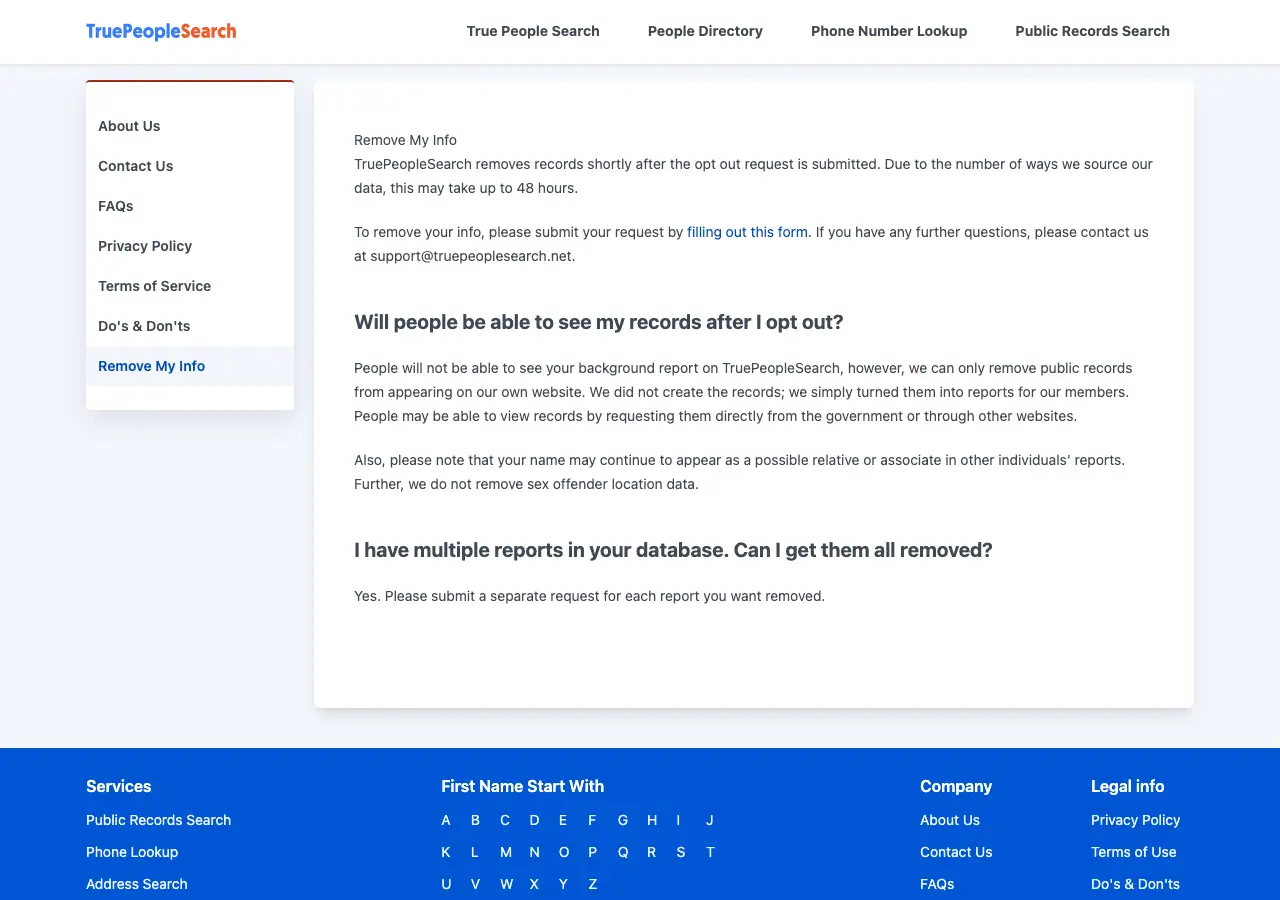
How they confirm it
none explicit; email listed for follow-up questions
If they ignore you
email the contact address referenced on the removal page; state AG complaint
Some of this is unconfirmed
Parts of this guide come from our own research and we have not re-confirmed them against the site. Steps and addresses change without notice — if what you find does not match, the site is right and we are out of date.
Re-listing risk for this site: Medium-High — public-records aggregator; also notes that names may still appear as relatives/associates on other profiles even after your own is removed
Common questions
How do I remove myself from truepeoplesearch.net?
Use truepeoplesearch.net's opt-out page (truepeoplesearch.net/remove-my-info). The guide above lists 5 steps, and this page writes the removal request for you to send from your own email.
How long does truepeoplesearch.net take to remove my information?
"shortly after" submission, up to 48 hours per site copy. That is what our research recorded; the site may take longer.
Will my information come back on truepeoplesearch.net?
Medium-High — public-records aggregator; also notes that names may still appear as relatives/associates on other profiles even after your own is removed. Check again in about 60 days.