How to remove yourself from Addresses.com
What they publish
Name, mailing address, previous occupants of an address, neighbors, phone numbers, age
Removing yourself, step by step
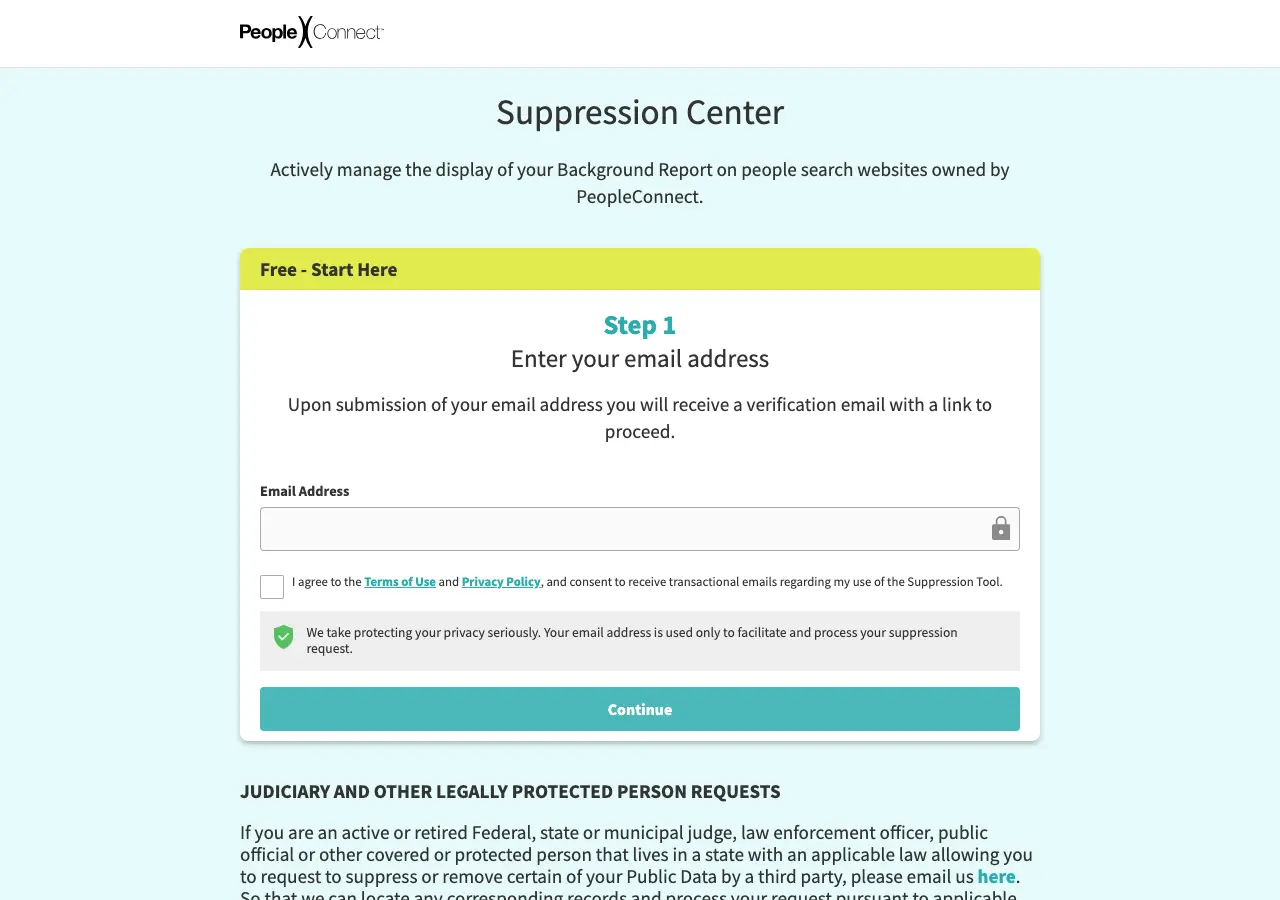
0 of 6 done- Enter your email and click the emailed confirmation link.
- Provide full legal name and DOB; locate your identity.
- Select your records and choose suppression/opt-out.
- Verify with the SMS/email code and complete the final email confirmation.
- Suppression propagates to Addresses.com via Intelius within ~7 days.
Tap a step to tick it off. Progress is saved in this browser only.
What the opt-out page looks like
How they confirm it
email link + full name + date of birth + SMS-or-email code
If they ignore you
PeopleConnect privacy/CCPA contact; state privacy deletion demand; AG/FTC complaint
Re-listing risk for this site: Identity-based suppression is relatively durable, but new unmatched records can surface; recheck quarterly
Common questions
How do I remove myself from Addresses.com?
Use Addresses.com's opt-out page (suppression.peopleconnect.us/?brand=Intelius). The guide above lists 6 steps, and this page writes the removal request for you to send from your own email.
How long does Addresses.com take to remove my information?
~7 days after approval (portal itself 5–10 minutes). That is what our research recorded; the site may take longer.
Will my information come back on Addresses.com?
Identity-based suppression is relatively durable, but new unmatched records can surface; recheck quarterly. Check again in about 60 days.