Removal guide
How to remove yourself from Sync.me
Site
sync.me
Category
marketing
Difficulty
Medium — crowdsourced spam-report data may persist even after account/profile deletion
Time to processnot stated on-site
What they publish
Phone numbers, names, crowdsourced caller-ID/spam tags, contact info synced from users' address books, geolocation, device identifiers, and call metadata shared across its community directory and with analytics/spam-detection partners
Owner / network: Sync.me (caller-ID / spam-blocking app and reverse-phone-lookup directory; independent, Israel-based)
Removing yourself, step by step
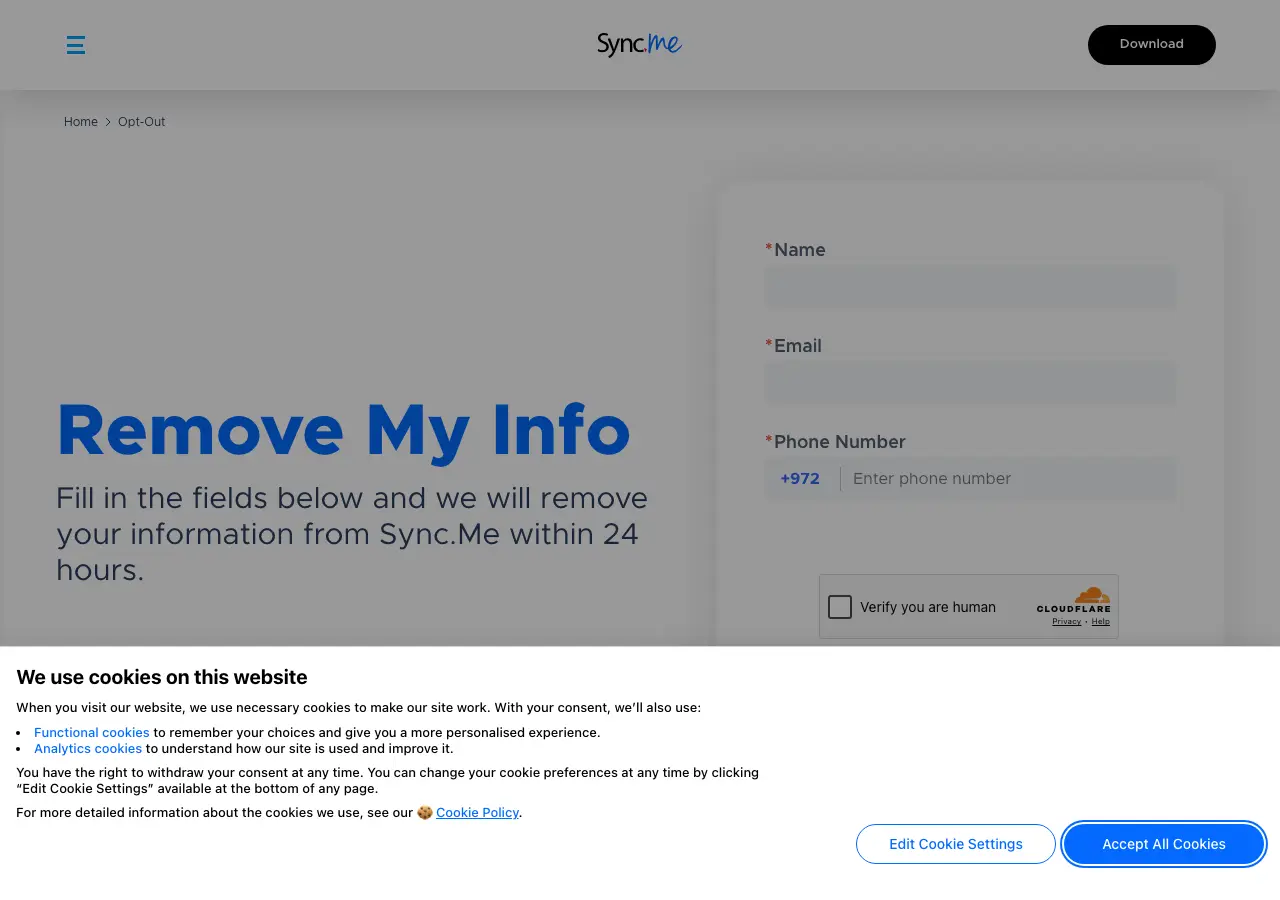
0 of 4 done- Go to https://sync.me/unsubscribe/.
- Enter the phone number/profile to be removed and submit.
- If the form doesn't cover it, email privacy@sync.me directly requesting deletion of your Personal Information.
- Note that community-submitted spam reports tied to your number may remain visible to other users even after your own listing is removed.
Tap a step to tick it off. Progress is saved in this browser only.
What the opt-out page looks like
How they confirm it
email-based
If they ignore you
follow up by email; GDPR complaint if EU resident (Sync.me has EU users); app-store review/complaint as public pressure
Common questions
How do I remove myself from Sync.me?
Use Sync.me's opt-out page (sync.me/unsubscribe). Or email their privacy address, privacy@sync.me. The guide above lists 4 steps, and this page writes the removal request for you to send from your own email.