How to remove yourself from Acxiom
What they publish
name, home address, phone, email, demographics, purchase histories, online registrations, ~thousands of attributes per person licensed to brands worldwide; private DB, not public profiles
Removing yourself, step by step
0 of 6 done- Go to https://www.acxiom.com/optout/ and open the US consumer opt-out form.
- Select the data categories to opt out of (choose all offered).
- Select "Me" as the requester; enter name, address, phone, email; complete CAPTCHA.
- Open Acxiom's confirmation email and click the validation link (second CAPTCHA).
- For deletion (CCPA/state law), also file a "Right to Delete" via the OneTrust portal above.
- Optionally call 1-877-774-2094 to confirm receipt.
Tap a step to tick it off. Progress is saved in this browser only.
What the opt-out page looks like
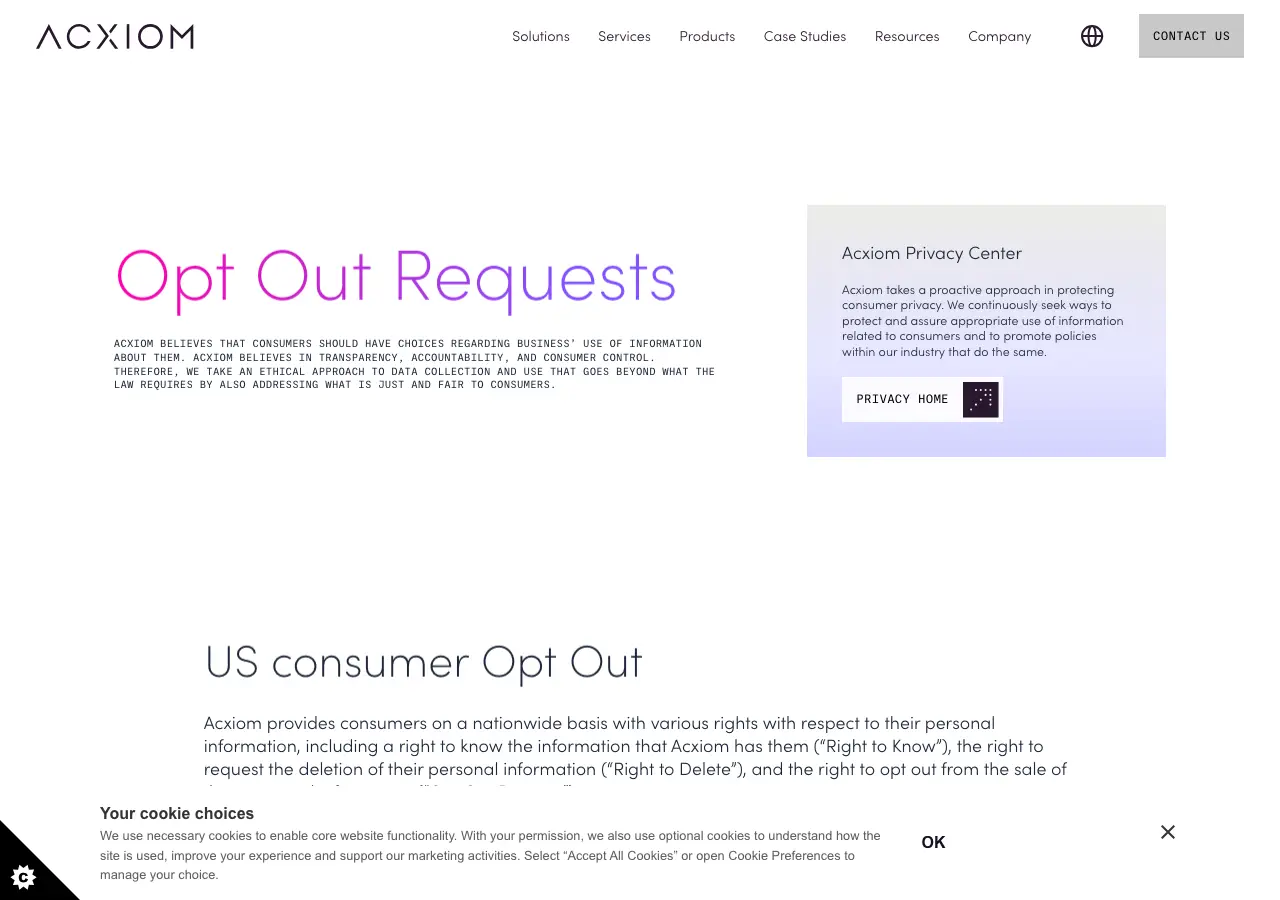
How they confirm it
email confirmation link (must respond to the confirmation email) + CAPTCHA; no ID upload for basic opt-out
If they ignore you
privacy@acxiom.com / OneTrust portal follow-up; complaint to CA AG / CPPA (registered CA data broker) or home-state AG; FTC complaint
Re-listing risk for this site: Low-Medium — opt-out is a persistent suppression flag, but Acxiom historically asks users to renew/re-check periodically; separate opt-outs may be needed per data category
Common questions
How do I remove myself from Acxiom?
Use Acxiom's opt-out page (acxiom.com/optout). Or email their privacy address, askprivacy@acxiom.com. The guide above lists 6 steps, and this page writes the removal request for you to send from your own email.
How long does Acxiom take to remove my information?
~2 weeks after email confirmation per Acxiom; full downstream effect can take longer; CCPA 45d cap for delete requests. That is what our research recorded; the site may take longer.
Do I have to solve a CAPTCHA to opt out of Acxiom?
Their opt-out form has a CAPTCHA, so you complete it yourself.
Will my information come back on Acxiom?
Low-Medium — opt-out is a persistent suppression flag, but Acxiom historically asks users to renew/re-check periodically; separate opt-outs may be needed per data category. Check again in about 60 days.